Brochure

Fueltek | Aberdeen & North East Scotland

Fuel and tank monitoring
in Aberdeen.

For Aberdeen, the most relevant operating picture is mixed road, plant and static assets where remote fuel and tank visibility can reduce unnecessary site checks.

The Aberdeen specification needs to control who can release fuel, record each transaction at the point of dispense and identify and review genuine exceptions. Fueltek validates those requirements against the tank, dispenser, communications and traffic flow on the live site.

Control access before dispenseCapture the transaction at sourceReview the exceptions
Site-led specificationUK-wide project supportFueltek engineering base: Blackburn
Fueltek customer coverageAberdeen & North East ScotlandSee where Fueltek supports customers across Aberdeen and North East Scotland. The map gives you a clear view of our coverage while keeping individual customer sites private.
Customer coverage · zoom in to explore local areas
Loading outward-postcode coverage…

01
Understand the requirement

Your Aberdeen site → start with the operation.

Start with the live operation rather than a product list. Record who refuels, the fuels used, peak demand and existing equipment; for Aberdeen, the specific point to test is mixed road, plant and static assets where remote fuel and tank visibility can reduce unnecessary site checks.

Operating requirement

Aberdeen operating brief — from Dyce to Westhill.

The main site consideration around Aberdeen is mixed road, plant and static assets where remote fuel and tank visibility can reduce unnecessary site checks.

Operating focus: Mixed road, plant and static assets where remote fuel and tank visibility can reduce unnecessary site checks.Your site details: capture the tank, dispenser, meter, gauge, controller and vehicle approach for the real location, including projects around Dyce or Westhill.Application context: compare Plant & machinery, Construction, and Haulage fleets only where those operating patterns resemble the actual Aberdeen site.Relevant Fueltek capabilities: System Finder, Tank calculator and Tankwatch. Final equipment, connectivity and layout are confirmed against the physical installation.
Fuel management application for Aberdeen
NEXT DECISION

Define access for road vehicles, mobile plant and fixed equipment separately. Include visiting vehicles and temporary work areas when deciding which identifiers and transaction records the operation needs.

Set the control priorities →
02
Prioritise the controls

Your priorities → decide what fuel control must achieve.

Treat these as three linked requirements: control who can release fuel, record each transaction at the point of dispense and identify and review genuine exceptions. The Plant & machinery, Construction and Haulage fleets pages add context where their operating patterns resemble the project.

Keep fuel issues attributable.
Across fixed and mobile assets.

Make sure the control process works for the people and vehicles using the site before choosing equipment. Existing hardware around Dyce, Westhill or the actual project location can then be retained, adapted or replaced after a condition and compatibility assessment.

01

Control access before dispense

Authorised drivers, vehicles or assets should identify before fuel is released. For Aberdeen sites around Dyce and Westhill, confirm credential types, product permissions, lost-tag handling and a controlled process for genuine exceptions.

02

Capture the transaction at source

The terminal should store the user, vehicle or asset, pump, product, quantity and time as fuel is issued. Consistent fields allow managers to compare activity with sites around Inverurie and Stonehaven.

03

Review the exceptions

Use “Review the exceptions” to identify unusual volume, timing, user or asset behaviour without slowing routine fuelling. Operating information for your site around Inverurie helps us identify which alerts and reports matter for Aberdeen operations.

Aberdeen operating sectors.
Compare Plant & machinery, Construction and Haulage fleets.

Plant & machinery, Construction and Haulage fleets give three useful ways to test the Aberdeen requirement. Compare their access, throughput and reporting needs, then keep only what is relevant to the actual site.

Relevant application

Plant & machinery

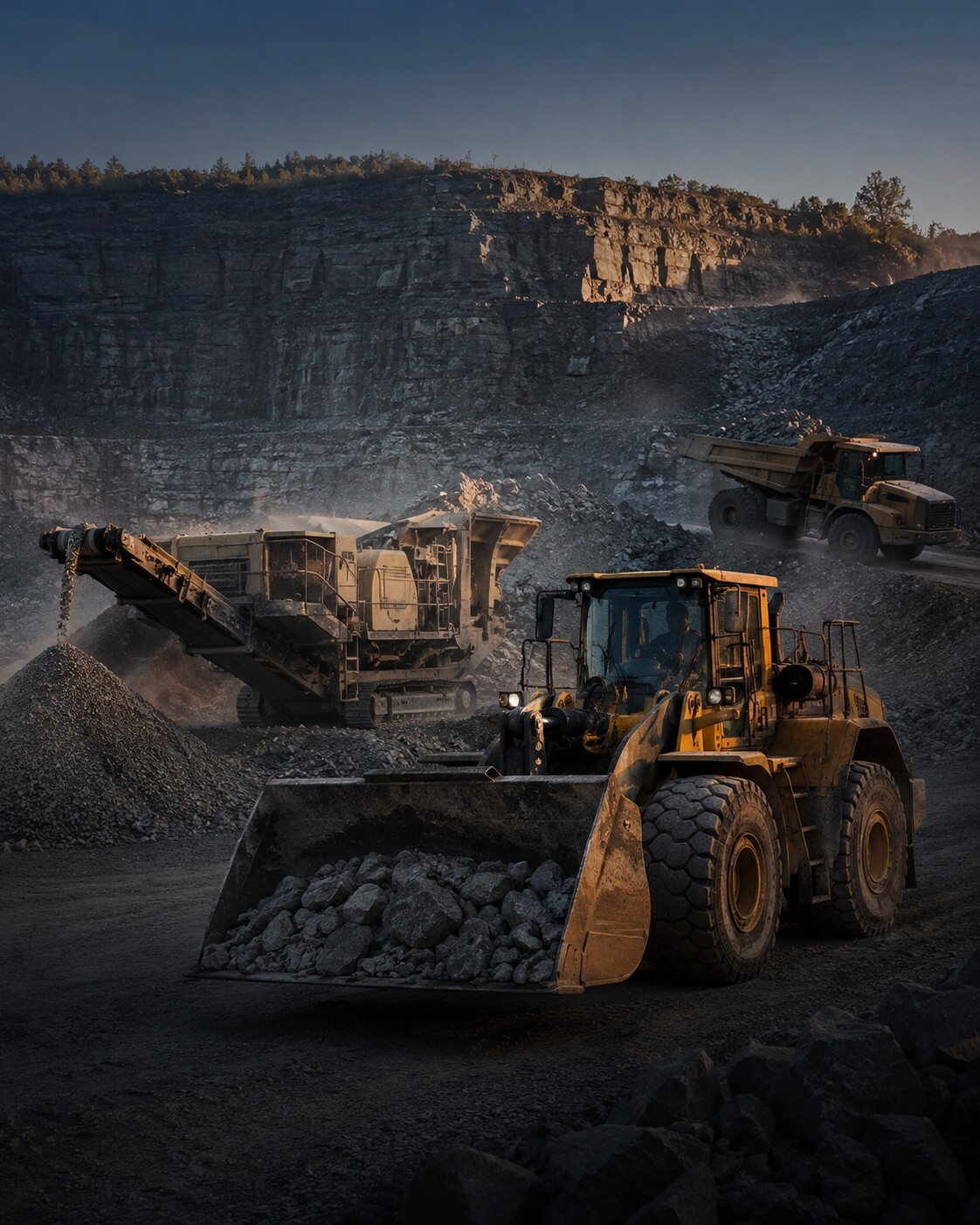
A project around Dyce with a plant and machinery operating pattern would be assessed for throughput, access control, storage and reporting before equipment is confirmed.

Explore Plant & machinery →
Relevant application

Construction

A project around Westhill with a construction operating pattern would be assessed for throughput, access control, storage and reporting before equipment is confirmed.

Explore Construction →
Relevant application

Haulage fleets

Where the Aberdeen project resembles haulage fleet operations near Inverurie, Fueltek would test the site’s flow, access, storage and reporting needs against the real installation.

Explore Haulage fleets →
NEXT DECISION

At this point the Aberdeen project should have a clearer operating requirement. Translate the useful sector comparisons into specific access, throughput and reporting needs before choosing equipment.

Build the system route →
03
Build the route

Your system → turn requirements into practical inputs.

Use System Finder to describe the vehicles, plant and fuel points. The tank calculator estimates storage from usage, delivery intervals and reserve cover, with a separate check for known rectangular dimensions. Review Tankwatch where measured stock and remote tank information are required.

Plan your Aberdeen system. Start with System Finder to explore the options for your site.

Use System Finder, Tank calculator and Tankwatch to put numbers and practical detail behind the Aberdeen brief, then compare the result with the actual tank, dispensing setup and communications.

Project scoping

System Finder

Use System Finder to record the Aberdeen fleet or asset count, daily fills, peak demand, fuels, dispensing points and operational priorities. It creates a structured site summary for Fueltek to review before equipment is shortlisted around Dyce or Westhill.

Open System Finder →
Storage planning

Tank calculator

Start with fuel usage, delivery interval and reserve cover to estimate the storage requirement. For this project, compare fuel used by fixed equipment with fuel issued to mobile plant, keeping the measurement basis clear. If internal rectangular dimensions are already known, use the separate capacity check. Keep the calculation inputs with your site brief for Fueltek to review.

Open tank calculator →
Tank monitoring

Tankwatch

Where the Aberdeen requirement includes remote stock visibility, review Tankwatch against the actual tank, gauge and communications available at the site. A project near Inverurie can need a different connection or monitoring arrangement from one near Stonehaven, so compatibility is checked rather than assumed.

Explore Tankwatch →
NEXT DECISION

For your Aberdeen installation, System Finder, Tank calculator and Tankwatch can help you explore the options. A site assessment turns that starting point into a practical specification.

Validate the project →
04
Validate the project

Your site, your operating requirements.

Projects may be based in Dyce, Westhill, Inverurie and Stonehaven as well as Aberdeen itself. The location defines the service area; the site conditions define the system.

Service coverage

Aberdeen &
North East Scotland

Work in the Aberdeen area can include Dyce, Westhill and Ellon. We assess each site on its own layout, demand, installed equipment and reporting requirement.

DyceWesthillInverurieStonehavenPeterheadEllon

The company’s engineering base remains in Blackburn. References to Aberdeen and nearby locations identify the project service area, not additional Fueltek offices.

Multi-site operations

Continue
around the region.

A multi-depot business can use one consistent identification and reporting approach across Aberdeen, Edinburgh, Glasgow and Newcastle, yet still specify storage and dispensing separately at each location.

Planning your Aberdeen installation.

For a plant, construction or haulage project in Aberdeen, build the brief around where fuel is issued and which machines actually consume it. Keep fixed equipment, mobile plant and visiting vehicles identifiable in the records.

01 · Separate fixed and mobile assets

List generators and other fixed equipment separately from machines that return to a fuelling point. Record the identifier used for each asset and whether it is filled directly or through another item of equipment.

Plant and machinery guidance →

02 · Describe temporary work areas

For construction use, show where equipment moves during the project and which tank or dispensing point serves each area. Include access restrictions and the people responsible for updating the asset list when machines change.

Construction guidance →

03 · Account for visiting vehicles

For haulage use, explain whether visiting or subcontracted vehicles need access alongside the regular fleet. Agree how those issues should be identified and reviewed so temporary access remains understandable in the reports.

Haulage fleet guidance →
NEXT DECISION

Site requirements can differ between Dyce and Ellon. Your layout, equipment and operating details help us tailor the installation to your operation.

Move to the next step →
05
Make the next move

Your next step → remove uncertainty and act.

Your site enquiry can include an equipment list that distinguishes fixed fuel points from mobile operations. Identify the records required for visiting vehicles and the tank information the responsible team needs to review.

Aberdeen FAQs

Local questions.
Useful answers.

How should an Aberdeen site control authorised fuelling during its busiest period?

Before finalising the Aberdeen setup, observe the peak fuelling period and record users or assets, fuel types and fill volumes. Those details shows whether the plan to control who can release fuel will work in practice.

What site information should Fueltek receive for a project around Dyce or Westhill?

A good site pack does not need to be complicated. For Aberdeen, include the layout, existing equipment details, fuel types, peak demand, identification method and communications, with photos wherever they clarify the installation.

Why might a fuel setup near Dyce differ from one near Ellon?

Proximity does not make two sites identical. Differences between Dyce and Ellon can include demand, storage, vehicle access, connectivity and the condition of existing equipment, all of which affect the final route.

When are fuel-management requirements for plant and machinery operations relevant to an Aberdeen project?

Operationally, the Aberdeen brief has most in common with plant and machinery operations. Construction operations and haulage fleet operations can still provide useful reference points for specific site demands.

Fuel management in Aberdeen

Start with the site.
Build the right system.

To move an Aberdeen project forward, send the real site layout, fuels, peak demand, existing equipment and the reporting outcome you need. We can then compare those details with the plant and machinery operating pattern and discuss the next step for your site.

Choose the next step

Discuss your Aberdeen installation with Fueltek, or explore another area through the UK locations page.

KEEP EXPLORING

For a project beyond Aberdeen, continue through the UK coverage hub to the nearest relevant area.

View all UK locations →
Email salessales@fueltek.co.ukWhatsApp our Sales TeamWe’re just a click away